Krushak

Carrying a farmer’s
question to someone
who can answer it

Mobile app
Flutter
2025
Three phones floating over a deep green ground: the wheat guide, Krushak’s home screen and the consultant request.

The challenge

A farmer’s question doesn’t start on a phone. It starts in the field, with a crop to read up on, soil that needs testing, or something a consultant should see.

Krushak is a simple Flutter app we built to carry that question to someone who can answer it. Open it and you can read up on a crop, ask for a soil test, or send a consultant a photo of what you’re looking at. The name means farmer in Gujarati, Hindi and Sanskrit.

Nobody opens an app like this to admire it. People open it with a question about their crop, so every screen had to make sense the first time, without a manual.

A tilted wall of Krushak’s real screens: home, the wheat guide, the request form, the success screen and the Soil Testing list.

Analysis
and strategy

What we decided

We started from what a farmer comes to do. There were three answers: learn about a crop, get the soil tested, or ask a consultant. So the home screen is three big doors, and everything else follows from five decisions.

Let colour and pictures do half the reading. Each path has its own tile, its own colour and its own small picture.

Show, don’t describe. A crop is hard to describe and easy to show, so a request to a consultant starts with photos.

Taps, not typing. Growth stage and soil type are chips, so the whole request barely needs a keyboard.

Never leave anyone guessing. Every request stays on screen with its status, so nobody wonders whether it was lost.

Keep people in reach. A phone number and an email stay pinned to the form, for anyone who would rather talk.

Two phones lying on a slab of Krushak’s green, showing the home screen and the wheat guide.

Three tiles
and a crop

Home and the crop guide

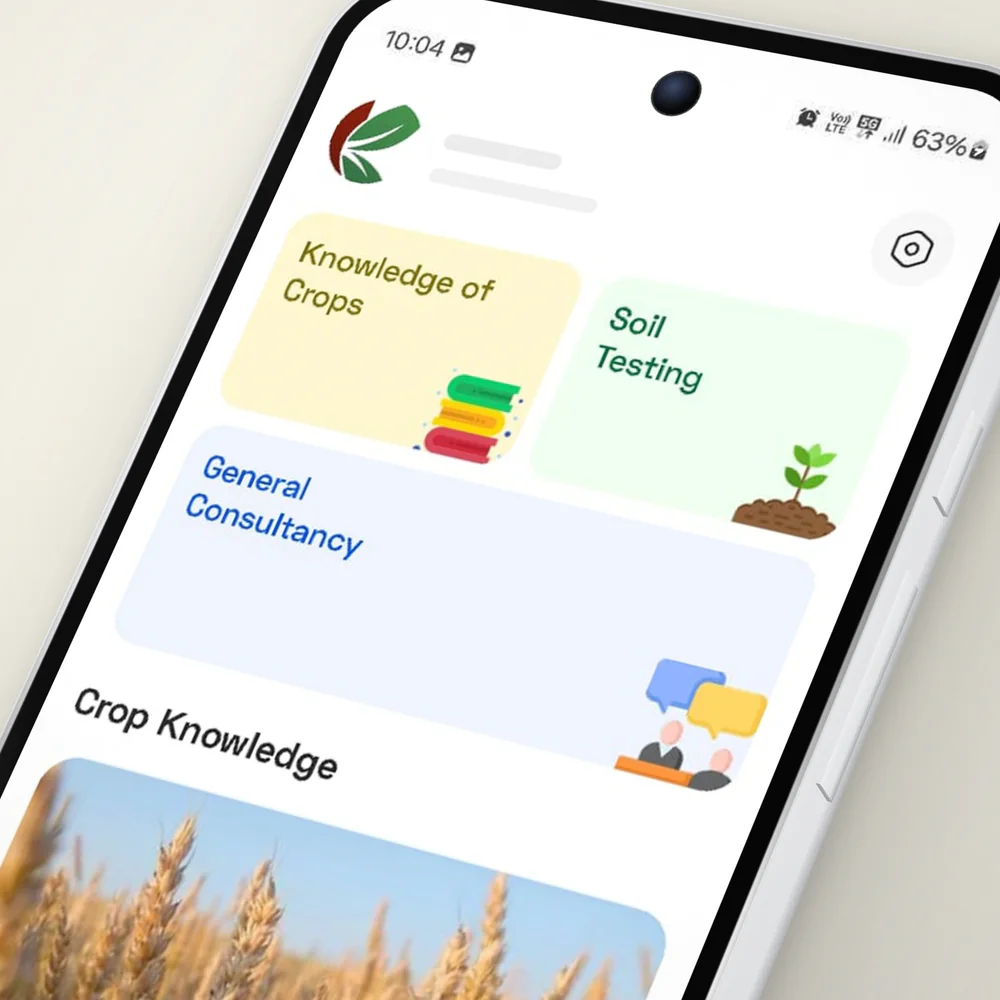
Home starts with your name and town, then three big tiles. Yellow is Knowledge of Crops, green is Soil Testing and blue is General Consultancy. Each has its own small picture: books, a seedling, two people talking.

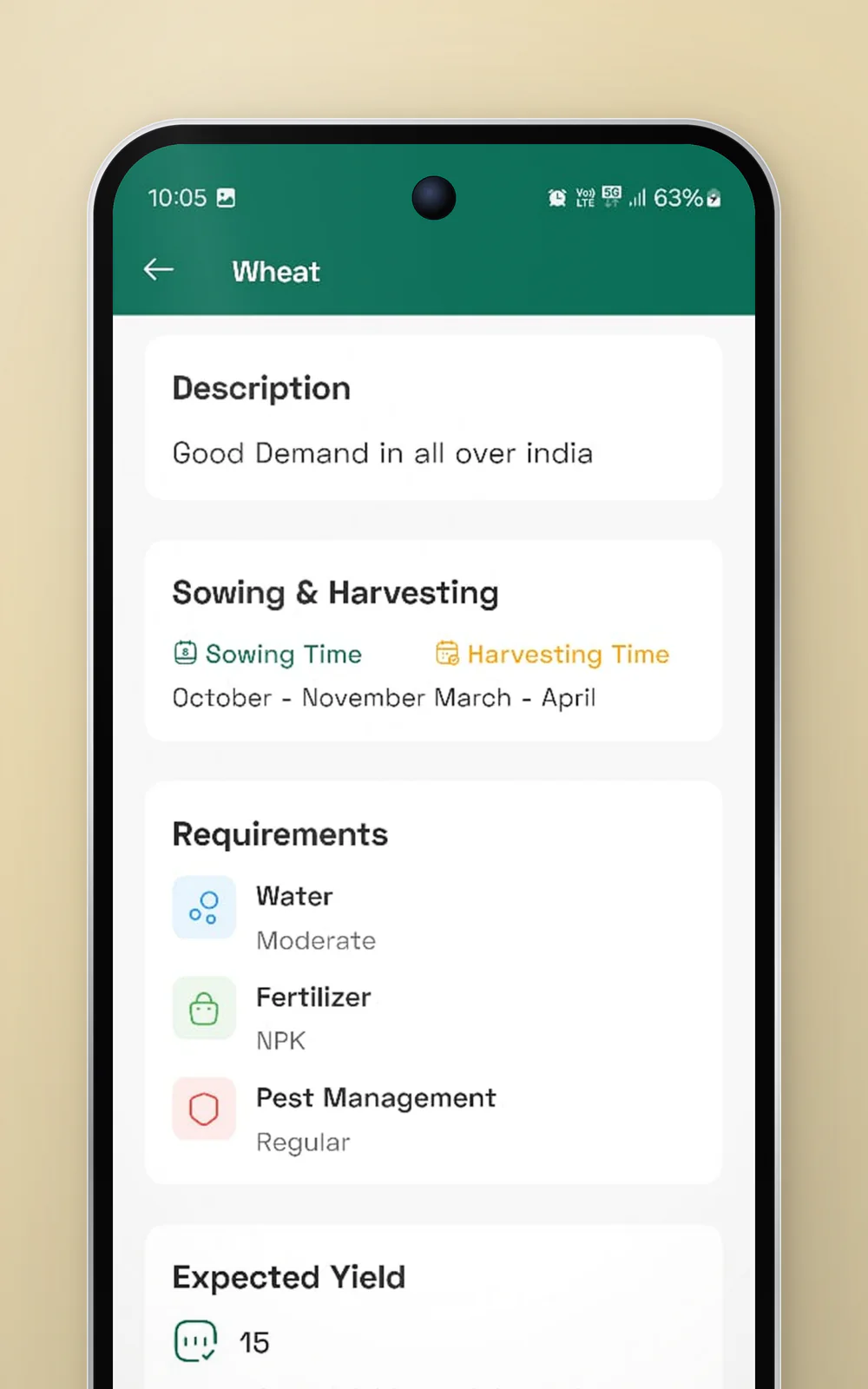
Below the tiles sit the crops, each on a big photo card with its name and season. Tap the green arrow and the whole crop opens on one screen that follows the farming year: when to sow, what the crop needs, and what to expect at the end. Water, NPK fertiliser and pest control get one line each, and the yield is given per bigha, a measure of land farmers already use.

Demo FarmerSample Town, IndiaKnowledge of
Crops
Soil
Testing
General
Consultancy
Crop Knowledge
Wheat
DescriptionGood Demand in all over india
Sowing & Harvesting
Sowing TimeHarvesting TimeOctober - NovemberMarch - April
Requirements
WaterModerate
FertilizerNPK
Pest ManagementRegular
Expected Yield
15
Approximate yield per bigha under optimal conditions
Try it: tap a step, or the phone
The home screen and the wheat guide, rebuilt from the app. The farmer’s name and town are made up.
A close view of Krushak’s home screen, with its three coloured tiles lifted off the glass.
Three tiles: crops, soil testing and a consultant
The Krushak mark, a dark red crescent beside two green leaves, on a warm off-white ground.
A phone over a wheat-gold ground, showing the wheat guide: description, sowing and harvesting, requirements and expected yield.
The crop guide follows the farming year

Ask with
a photo

The consultant request

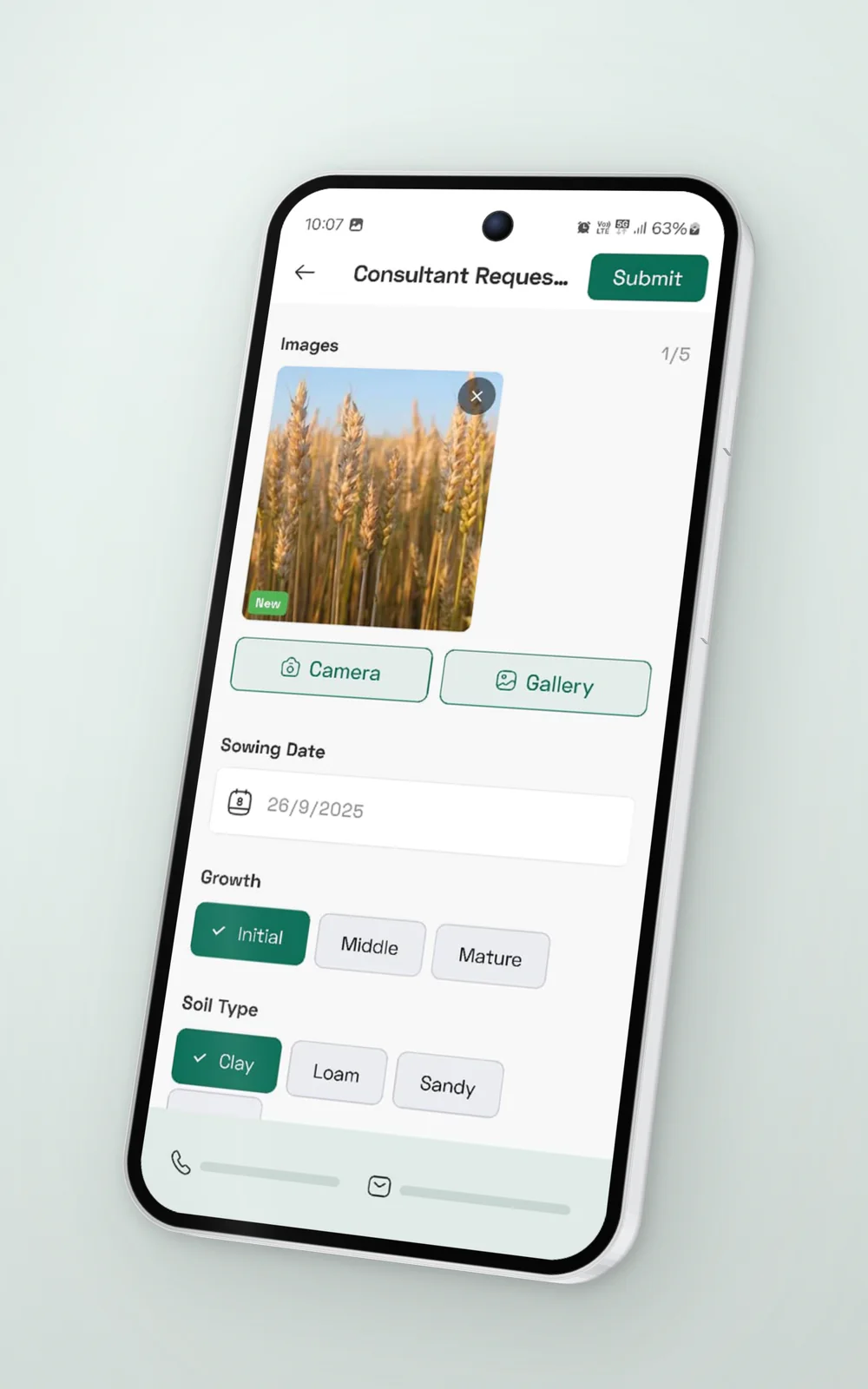
A consultant request starts with pictures: up to five, from the camera or the gallery. After that come the sowing date, the growth stage and the soil type, and stage and soil are a single tap each.

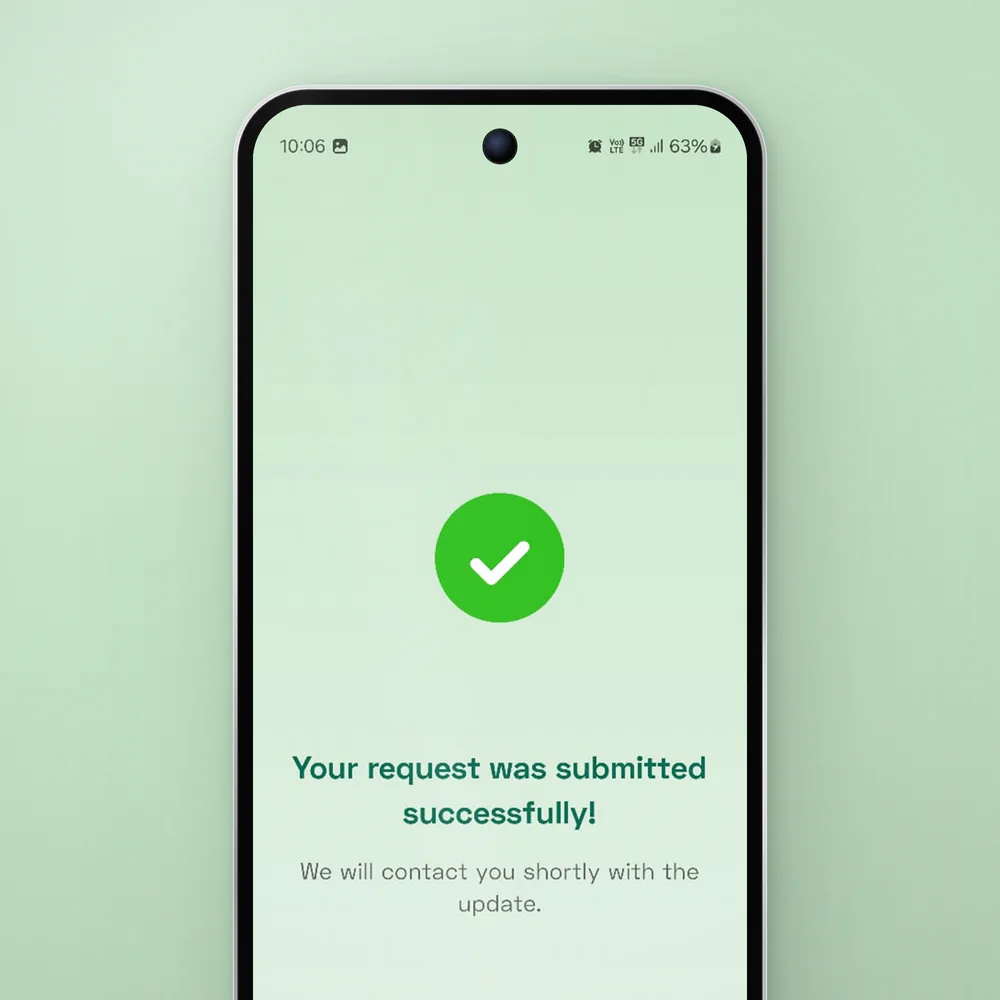
Press Submit and the form gives way to a soft green screen: a big tick, and a promise that someone will be in touch shortly. And for anyone who would rather talk, a phone number and an email stay pinned to the bottom of the form.

Consultant Reques…
Images1/5
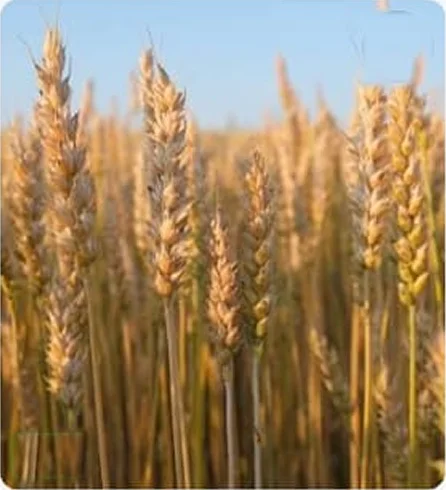
A close photo of ripe wheatNew
Sowing Date26/9/2025Growth
Soil Type
Try it: tap a step, or the phone
The consultant request, rebuilt from the app. It plays by itself until you tap something. The empty photo slot is our sketch, and the contact details are hidden.
A phone tilted on a pale green ground, showing the consultant request, with its growth and soil chips lifted off the form.
Photos first, then a few taps
A phone showing the soft green success screen with a big tick.
A green tick, and a promise someone will be in touch
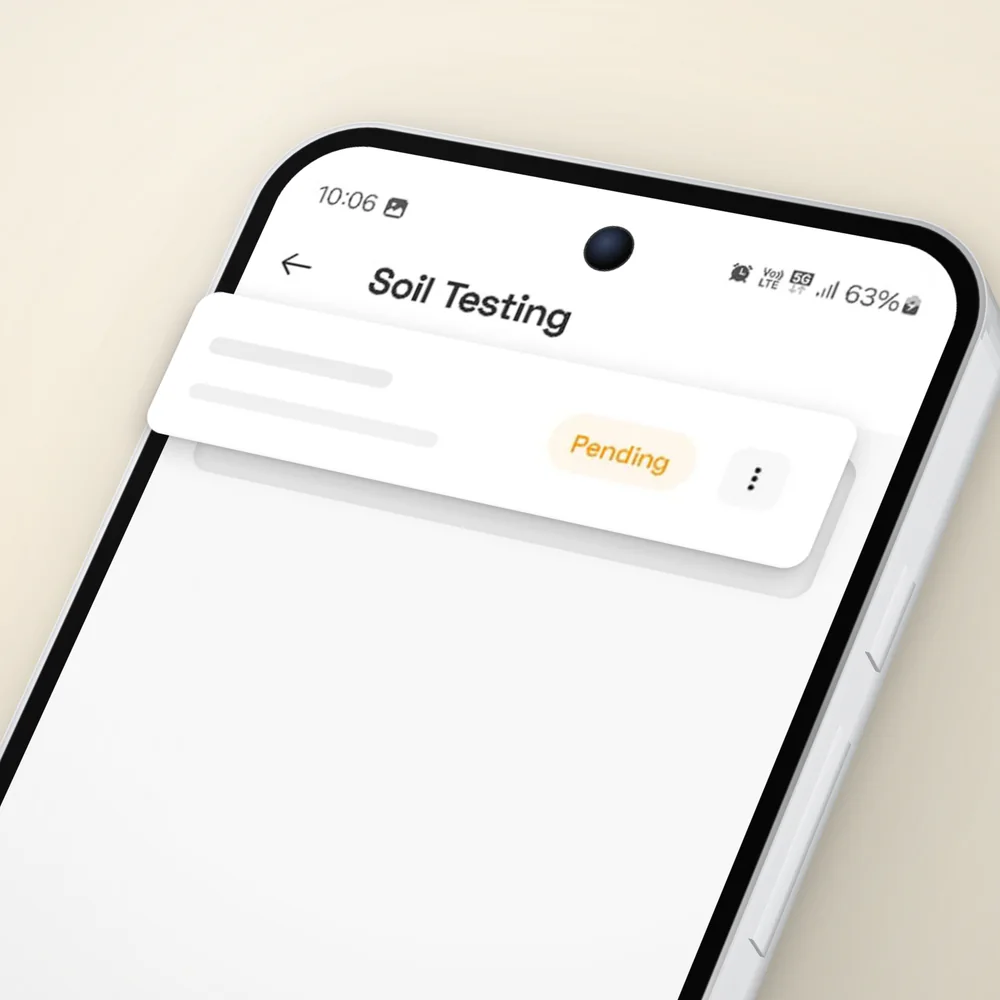
A close view of the Soil Testing list, with a request card and its orange Pending badge lifted off the screen.
Every request stays on screen, with its status

A badge instead
of a guess

Soil testing

Sending a request is the easy part. Waiting is harder, because you can’t tell whether anyone has seen it.

On the Soil Testing screen, each request gets one white card with the farm’s name, the place and a small orange badge. Pending means it isn’t lost. It just isn’t done yet. A green plus in the corner starts the next one.

Soil Testing
Sunrise FarmSample Village, IndiaPending
Neem Tree FarmDemo Village, IndiaPending
Riverside FarmTest Village, IndiaPending
Mango Grove FarmTrial Village, IndiaPending
Hilltop FarmModel Village, IndiaPending
Try it: tap a step, or the phone
The Soil Testing list, rebuilt from the app. Tap the plus to add a request. The farms and places are made up, and the form in between is skipped.

One green

The colour of the next step

Put the screens side by side and one colour holds them together. The same deep green marks the way forward: the arrow on a crop, the chips you’ve picked, Submit, the plus. Everything else stays quiet, so the eye always knows where to go next.

Three of Krushak’s screens with every colour faded out except the deep green that marks the next step.

Outcome

What a farmer gets

Krushak gives a farmer three ways in: a guide that follows each crop through the season, soil test requests that show where they stand, and a consultant who can see the crop in a photo. A person is always one call or one email away.

Three tiles, a photo and a green tick. That’s all a farmer has to learn. The question starts in the field. The app only has to carry it.

Feedback
from the client

Next project

I want to a.

Tell us where it is today, what you’re trying to achieve and what’s getting in the way.