K2Neet

Making AI
answers worth
studying from

Flutter app
UI design
Play Store release
2025
Three phones floating over a dark grid of rounded squares, showing the K2Neet home screen, an answer and the Physics history.

The challenge

K2Neet is an AI study app for students preparing for NEET, India’s entrance exam for medical colleges. A student picks a subject, asks for notes, a quick answer or a summary, and the AI writes it.

The product is the work of a college friend of ours. He built the product and its AI, asked us to take the frontend, and we built the app together. Sending a question to an AI is the easy part. Making the answer worth reading is the frontend’s job: a raw reply arrives as one long string full of symbols, and nobody can study from that on a phone.

A tilted wall of K2Neet screens: home, subject history, the new item menu, the question screen and answers.

Analysis
and strategy

Who did what,
and why

We split the work cleanly. The product and its AI stayed with the founder. We owned the Flutter frontend end to end: the interface designed from scratch, state management, caching, the answer parser and the release to Google Play. The partnership was made formal too: we travelled to Surat to sign the agreements in person.

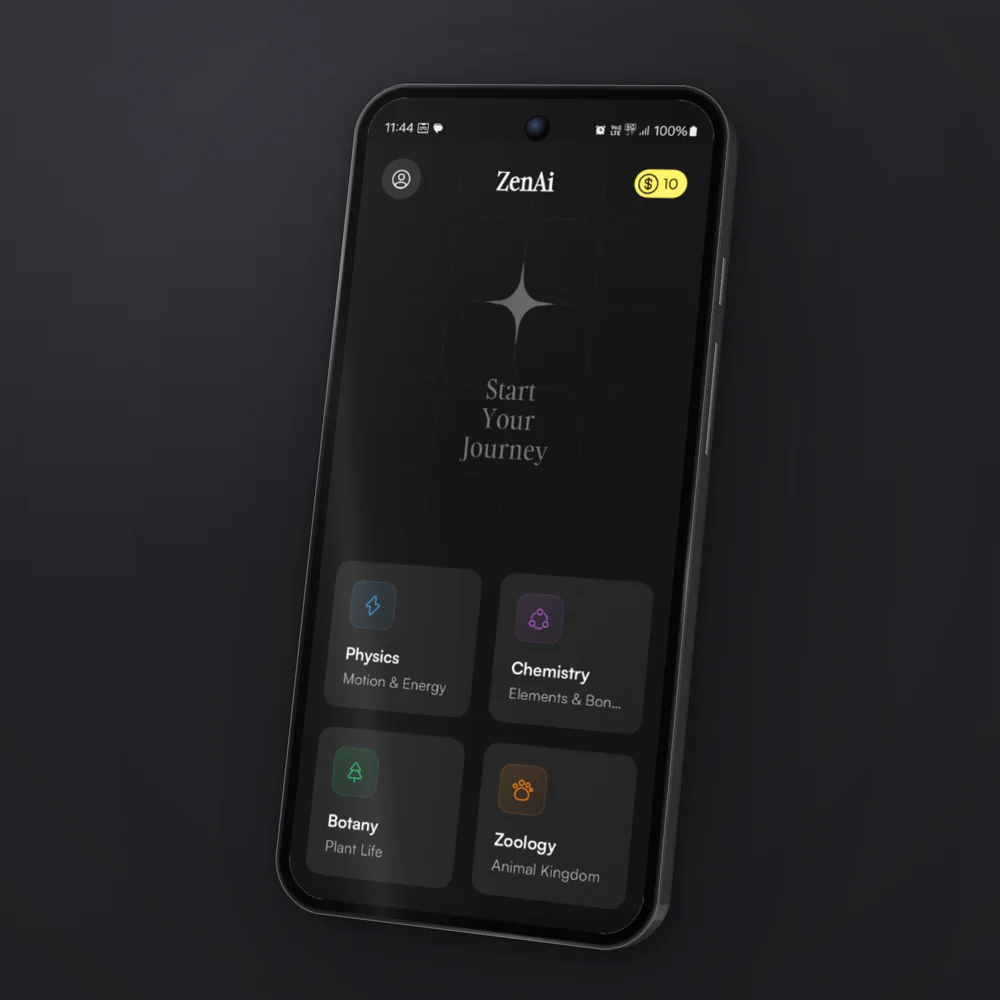
Three things shaped the app. The home screen is the first thing a student sees, so it should feel alive even when nobody touches it. A long history turns into a wall of text, so each saved item needs to be recognisable before it is read. And the raw reply should never reach the screen: every answer gets parsed into clean, structured text first.

An early build of the K2Neet home screen, titled ZenAi, with the star and four subject cards.
An early build of the home screen, June 2025, still titled ZenAi
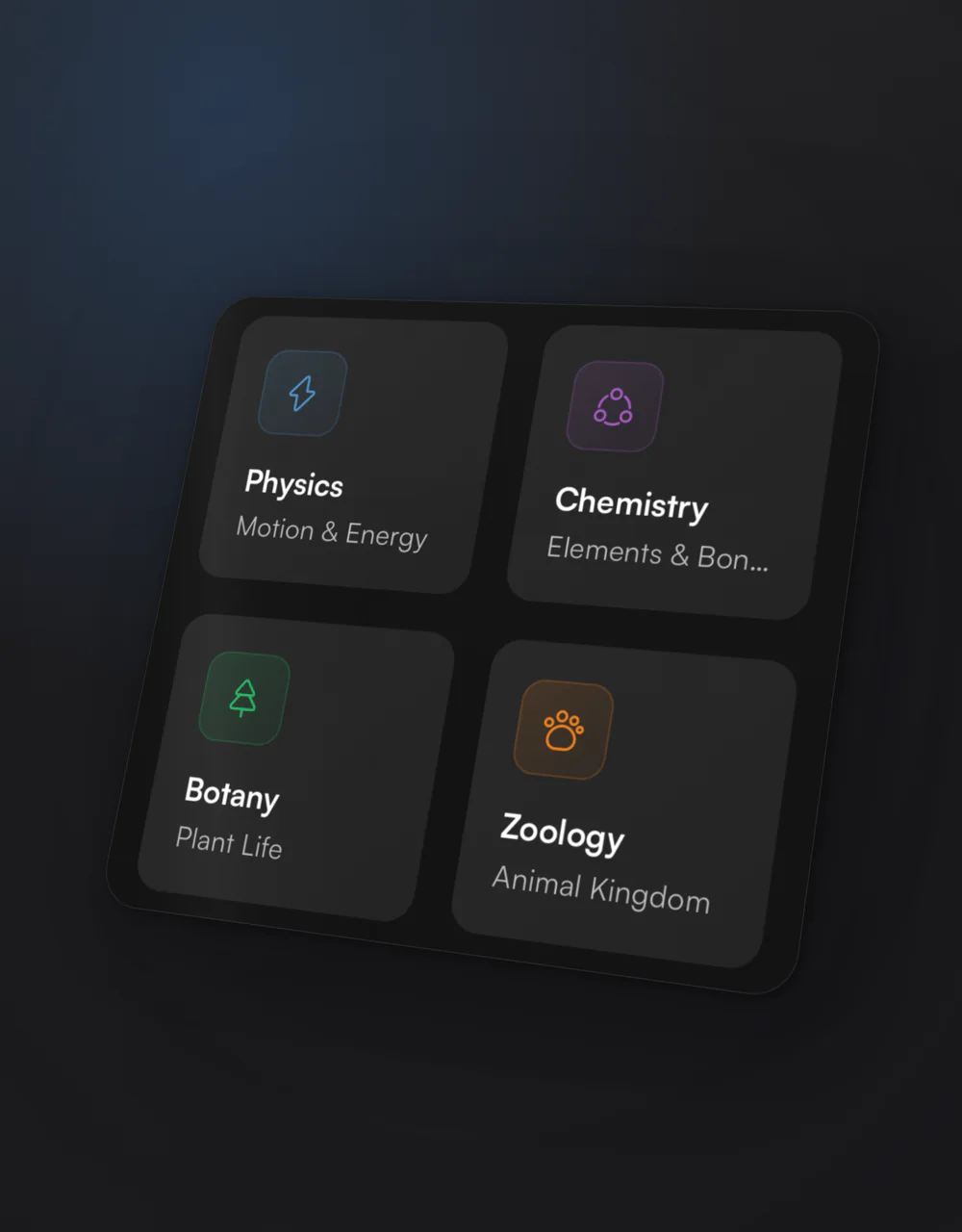
A close-up of the four subject cards: Physics, Chemistry, Botany and Zoology, each with its own colour and icon.
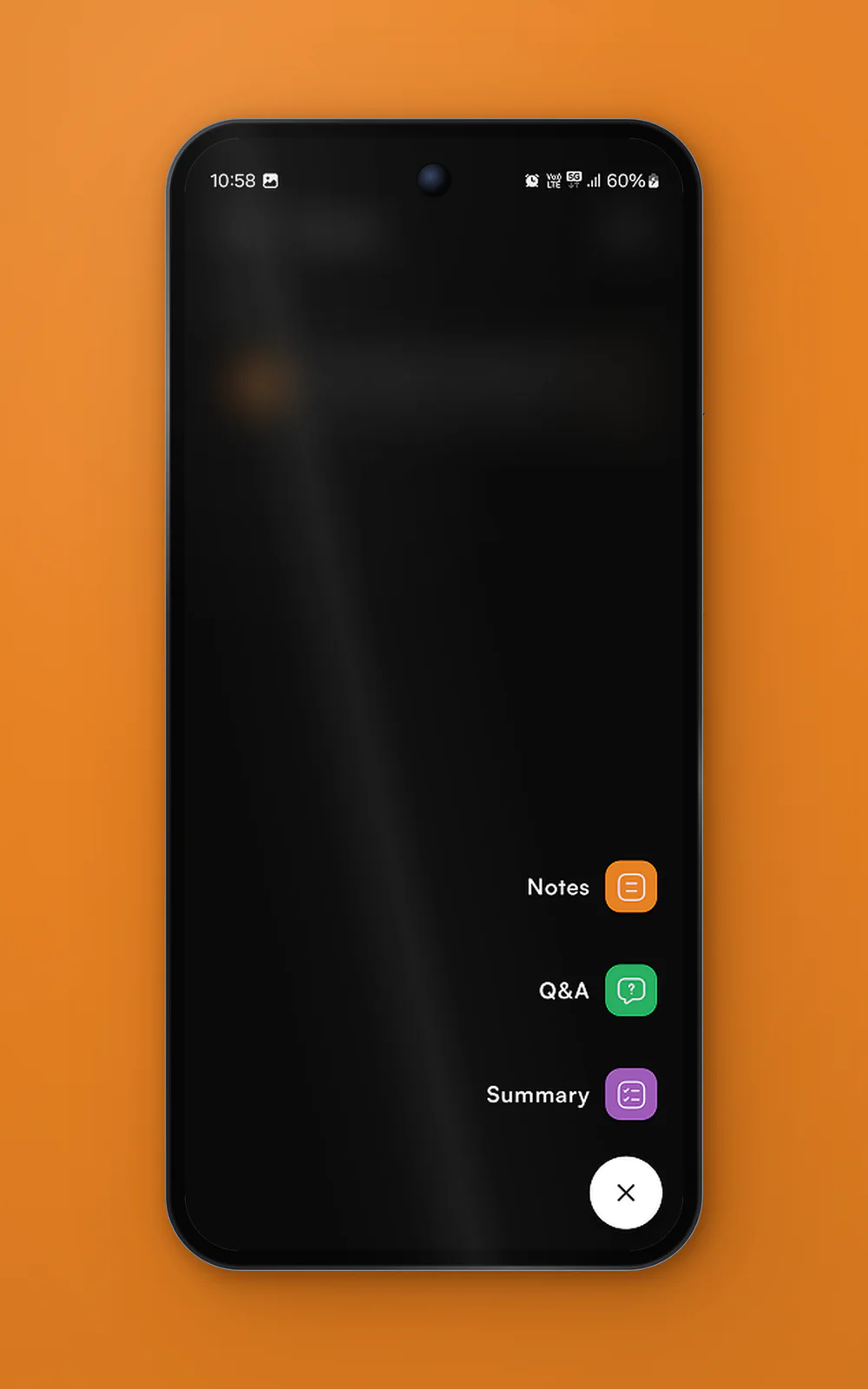
The K2Neet menu over a blurred list, with Notes, Q&A and Summary above a close button.
One button starts something new: notes, a quick answer or a summary

A home screen
that feels alive

A star breathes above the words Start Your Journey while a shimmer crosses it from corner to corner. Each subject has its own colour and icon, and a thin band of light travels around one card at a time, so the screen never looks frozen.

Breathing starIt swells and brightens as the shimmer passes its centre, then settles back.
PhysicsMotion & Energy
Light around the cardA cone of light spins behind the card and only its edge shows through. After one lap, it moves on to the next subject.
The home screen, rebuilt in the browser with the app’s own colours and type. Switch on “Show how it’s drawn” to see the card light taken apart.

Ask by typing,
tapping or talking

For anyone unsure what to ask, ready-made questions from the chosen subject sit right below the field, one tap away. Long questions are slow to type on a phone, so students can also speak and the app turns their voice into text.

Two phones lying on a blue slab: the question screen with ready-made Physics questions, and the menu with Notes, Q&A and Summary.

An answer
worth reading

The app never shows the raw reply. It parses every answer, handling bold, italics, code and lists. The question sits in its own bubble, key terms stand out, points get real numbers and the text has room to breathe. When an answer is worth keeping, it can be exported as a PDF.

Raw replyone string
"Water is called a universal solvent because it has the ability to dissolve a wide range of substances. This property is due to:\n\n1. **Polarity**: Water molecules are polar, meaning they have a partial positive charge on one side and a partial negative charge on the other. This allows them to interact with various ionic and polar substances.\n\n2. **Hydrogen Bonding**: Water can form hydrogen bonds with other molecules, enhancing its ability to dissolve them.\n\n3. **Versatility**: It can dissolve salts, sugars, acids, alkalis, some gases, and many organic compounds."
\n\nParagraph1. Numbered point**term**Bold term*text*Italics`code`Code block- itemBullet
A real answer from the app, first as the AI sends it, then as the parser turns each pattern into Flutter widgets.
A phone floating over a blue background, showing a formatted K2Neet answer about why water is called a universal solvent.

History you can
read at a glance

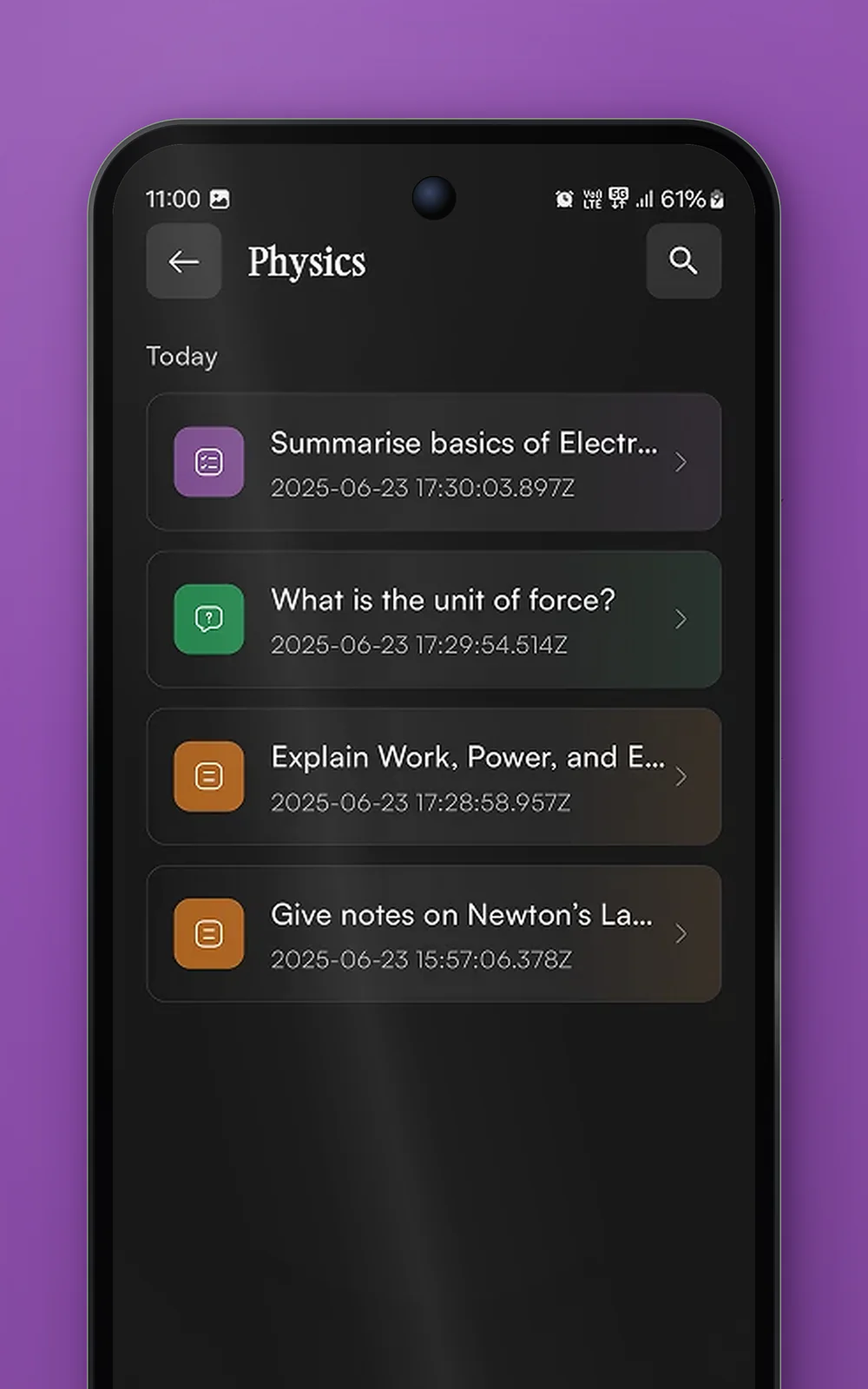
Everything a student asks is saved under its subject. Each row carries a soft gradient in the colour of its type: purple for summaries, green for Q&A and orange for notes, so they can be told apart before a word is read. One round button starts something new: the list blurs, the three options rise one after another and the plus turns into a close button.

Physics
Today
Summarise basics of ElectricitySummary · 17:30
What is the unit of force?Q&A · 17:29
Explain Work, Power, and EnergyNotes · 17:28
Give notes on Newton’s Laws of MotionNotes · 15:57
Colour tells the typeEvery row is tinted by what it holds, so a long history still reads at a glance.
NotesStudy notes on a topic
Q&AA quick, direct answer
SummaryA chapter in a few lines
Tap the round button in the phone to open the menu.
The Physics history, rebuilt. Tap the round button to open the menu yourself.
The K2Neet Physics history: four rows tinted purple, green and orange by type.
Every subject keeps its own history, tinted by type
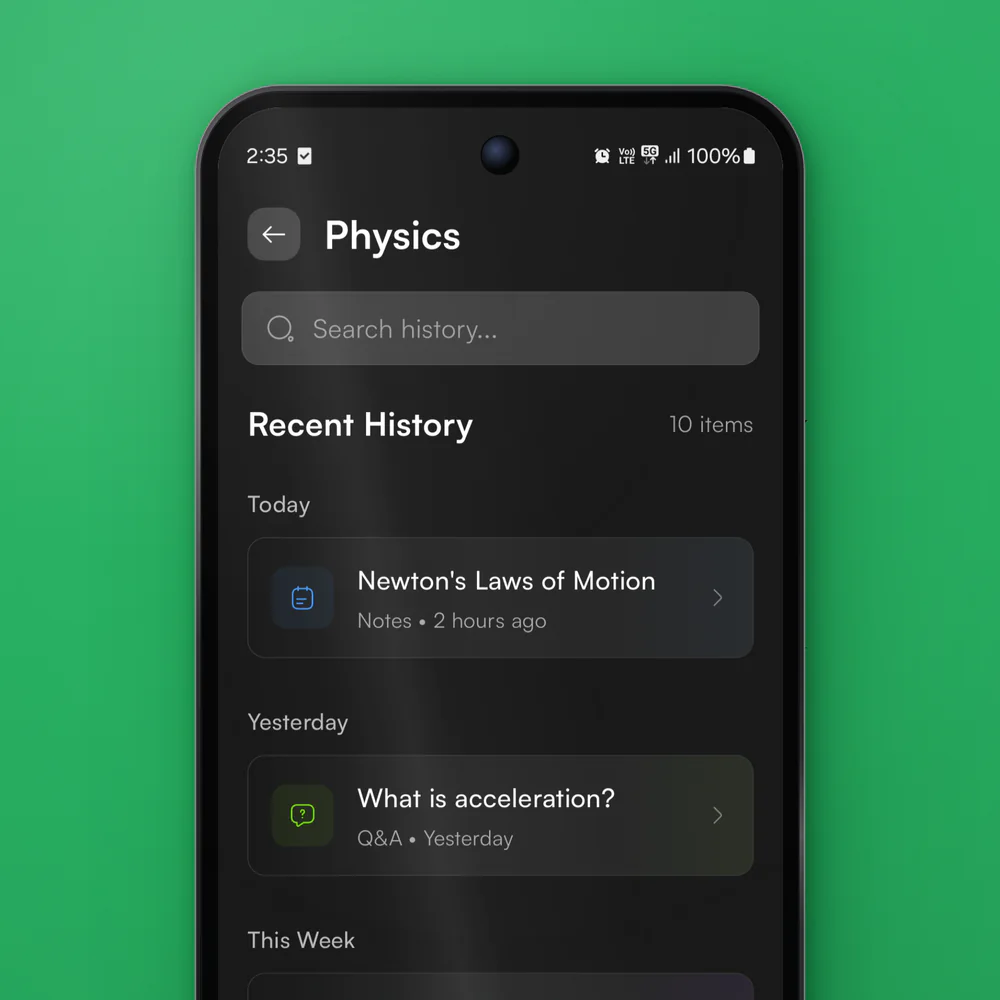
An early design of the Physics history, grouped into Today, Yesterday and This Week, with a search field.
An earlier take on the history, grouped by date with search

The Flutter
underneath

Built to feel
quick

Screens full of small animations need careful state. We used GetX, so a value is marked as observable and only the widgets that read it rebuild. When the coin balance changes, the coin pill updates and the rest of the home screen stays as it is.

Asking an AI means a network round trip, and students often come back to the same answer. So an answer only travels once: the first open fetches it, and every open after that reads from a cache on the phone with no network call at all.

Typography does quiet work as well. Instrument Serif is kept for rare moments such as the app’s name and Start Your Journey. Everything a student reads sits in Satoshi, which stays clear on a dark screen, with its weights doing the ranking.

Five K2Neet phones fanned out: the question screen, an answer, the home screen, the Physics history and the new item menu.

Outcome

Live on
Google Play

In October 2025, K2Neet went live on Google Play in beta. The app ships with the living home screen, four subjects with ready-made questions and voice input, formatted answers with PDF export, a history for every subject, and a cache that opens repeat answers without a network call.

The AI writes the answers. We built everything a student touches.

Feedback
from the founder

Next project

I want to a.

Tell us where it is today, what you’re trying to achieve and what’s getting in the way.